Breathing Timer

A guided breathing timer visual to slow your pace, settle your body, and reset in 1-10 minutes.

READY
Time Remaining1:00
How to Practice

Inhale through your nose for 4 seconds, then exhale gently for 6 seconds.

!

Tip: Keep your breath gentle. Stop if you feel dizzy or uncomfortable.

(c) PHQ-9.org - Wellness Tools

Why This Breathing Timer Works

This breathing timer gives you a stable visual rhythm so you do not need to count in your head. That lowers cognitive load when stress is high.

You can switch between a box breathing timer, a 4-7-8 breathing timer online mode, and other paced patterns based on whether you need calm, sleep wind-down, or focus.

Because this breathing timer website runs in browser with no download and no signup, it is easy to use in short breaks throughout the day.

How to Use This Breathing Timer

  1. 1

    Choose your breathing pattern and session length based on your current state.

  2. 2

    Press Start and follow the breathing timer visual for inhale, hold, and exhale cues.

  3. 3

    Complete one short session, then repeat as needed for anxiety, focus, or stress reset.

Breathing Timer Features

Visual Inhale/Exhale Guidance

The expanding and contracting orb acts as a breathing visualizer so your breath stays steady without mental counting.

Multiple Science-Based Patterns

Switch between Relax, box breathing, and 4-7-8 breathing timer patterns to fit different goals.

Short Countdown Sessions

Run 1, 3, 5, or 10 minute blocks with an on-screen countdown timer to stay consistent.

Private Browser Experience

Use this free online breathing timer directly in your browser on mobile or desktop with no app installation.

This breathing timer supports self-regulation and does not replace medical care.

If anxiety symptoms are persistent or severe, consult a licensed professional.

User Feedback

Jordan, Sales Lead

I use this breath timer before difficult meetings and it helps me settle fast.

Priya, Designer

The 4-7-8 breathing timer online mode is my go-to before sleep.

Evan, Student

Simple UI and clear visual timing. This is the first breathing exercise timer I actually use daily.

Breathing Timer FAQs

What is an online breathing timer?

An online breathing timer is a guided tool that shows when to inhale, hold, and exhale. It helps you keep a steady pace without manual counting.

Do I need to download an app for this breathing timer?

No. This breathing timer website runs in browser, so you can use it instantly with no download and no signup.

Can I use this breathing timer on my phone?

Yes. The breathing timer visual is mobile friendly and also works on desktop browsers.

Does the breathing timer work in browser?

Yes. It is a browser-based web app that starts directly in your tab.

Is there a breathing timer that shows inhale and exhale?

Yes. This tool displays clear phase labels and orb movement so you can follow inhale and exhale timing at a glance.

How do I use a box breathing timer?

Select the Box pattern, then follow 4 seconds inhale, 4 hold, 4 exhale, and 4 hold. Repeat for one to five minutes.

Which breathing pattern is best for anxiety?

Many users start with longer exhale patterns like Relax (4-6) or 4-7-8 because extended exhale can feel calming.

Which breathing pattern is best for focus?

Focus (5-5) or Box (4-4-4-4) can help with attention by creating a stable and predictable rhythm.

How long should I use a breathing timer?

Start with 1 to 3 minutes. If you feel better, continue to 5 or 10 minutes. Consistency is more important than session length.

Is the breathing timer accurate?

Yes, the countdown and phase timing are synchronized to guide paced breathing exercises timer sessions reliably.

Does the breathing timer save my data?

No personal breathing-session history is uploaded by default. You can use the tool privately in your browser.

Explore Other Toolkit Tools

If your mind keeps looping after breathing, use a circle of control exercise to organize concerns.
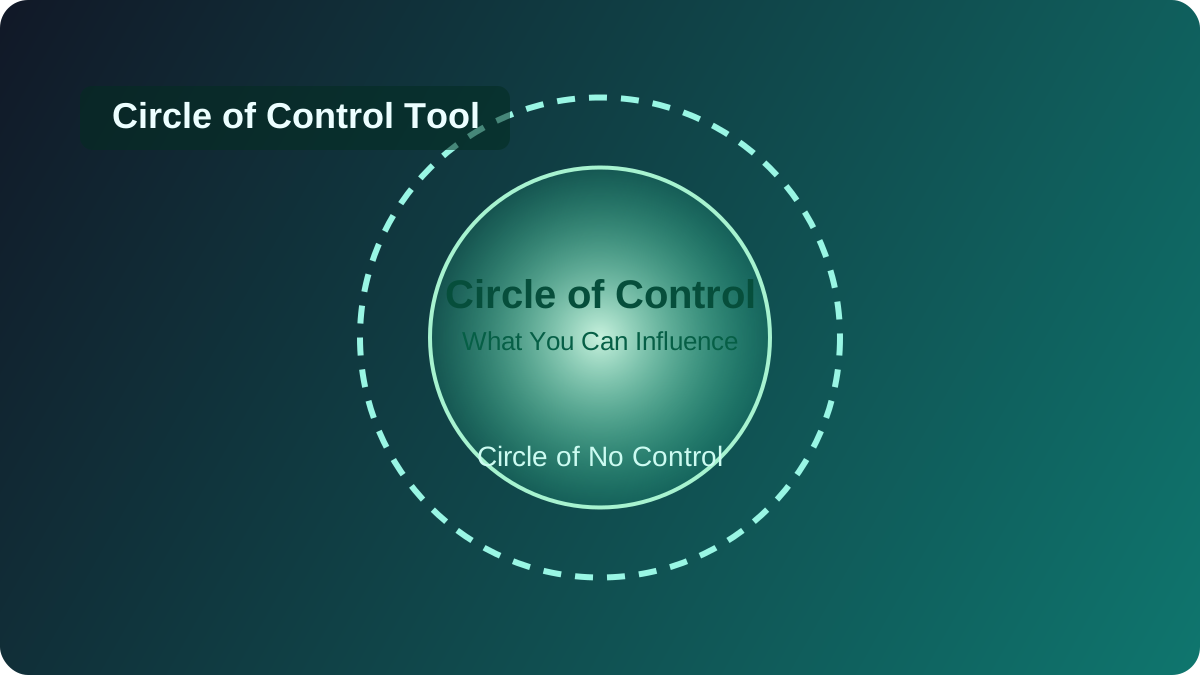
Circle of Control
Circle of Control

Sort worries into controllable and uncontrollable groups so your next action becomes clear.

Open Tool